Hands-on, expert guidance on the world's leading Business Intelligence platform
Transform your data skills with expert-led training
This online course is arranged into 7 modules. Each one starts with a demonstration, and then you'll apply the techniques for yourself in a series of hands-on practical workshop exercises.
By the end of the course, you'll be confident in building your own solutions from scratch and you'll be able to deliver value for your business immediately.
Take a look at the course overview on the right, and click 'Find out more' to dive deeper into the course details.
Every topic includes hands-on exercises using real-world business scenarios
If you're working with large volumes of data and want to get actionable business insights, this course is for you.
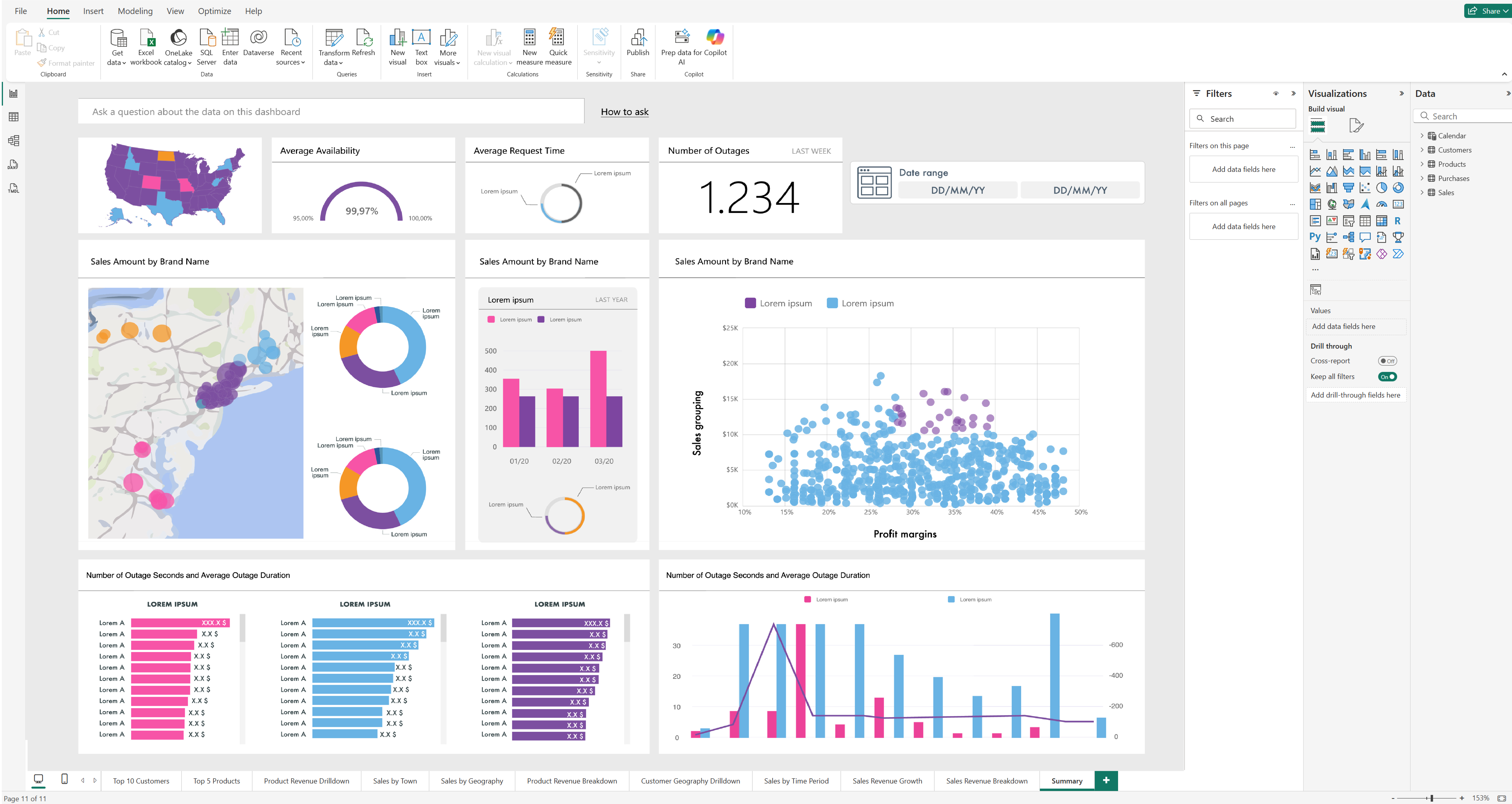
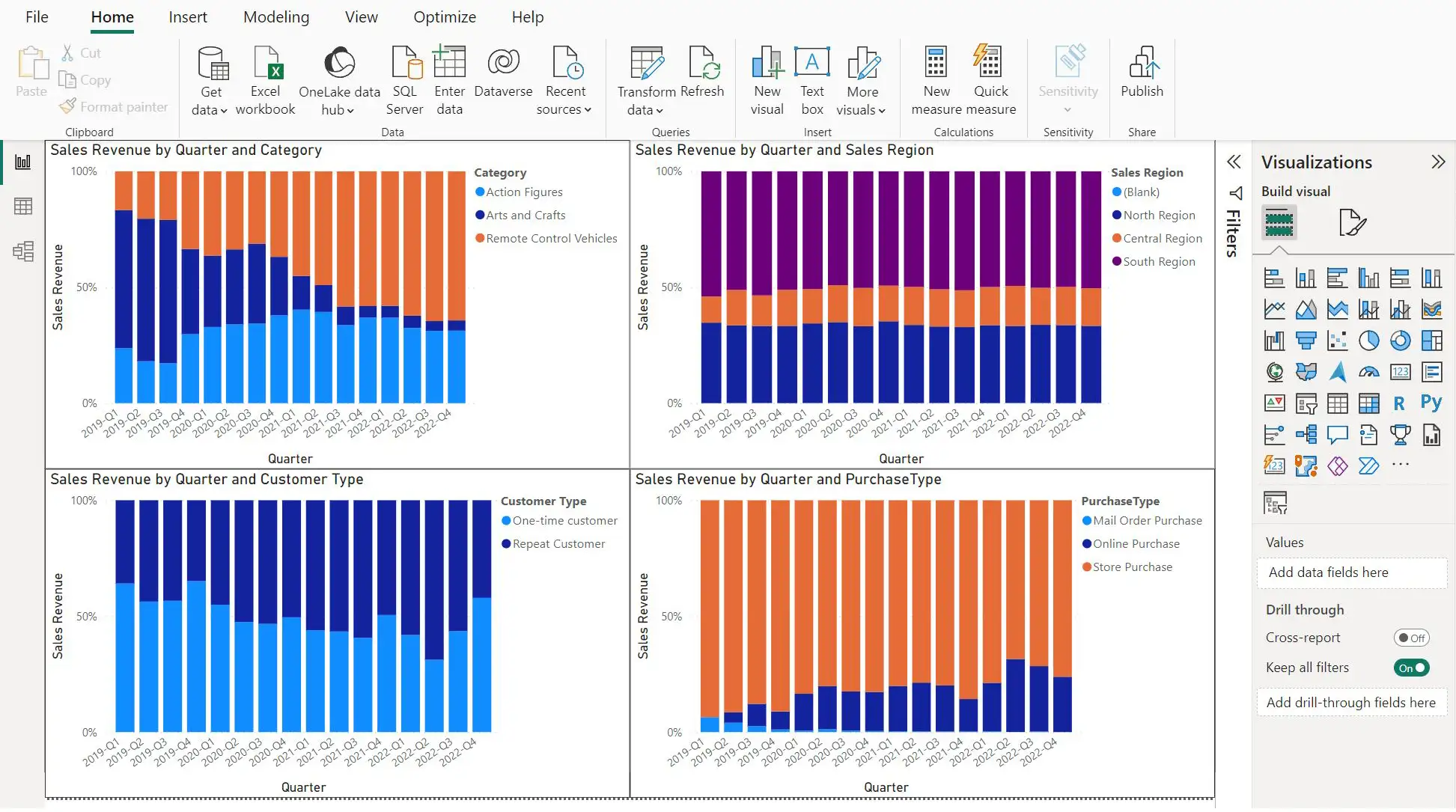
You'll learn how to build your own reports using Power BI, the market-leading self-service data visualisation and reporting platform. We'll dive into Power BI Desktop, as you create data visualisations, join data from multiple sources, and build intuitive reports.
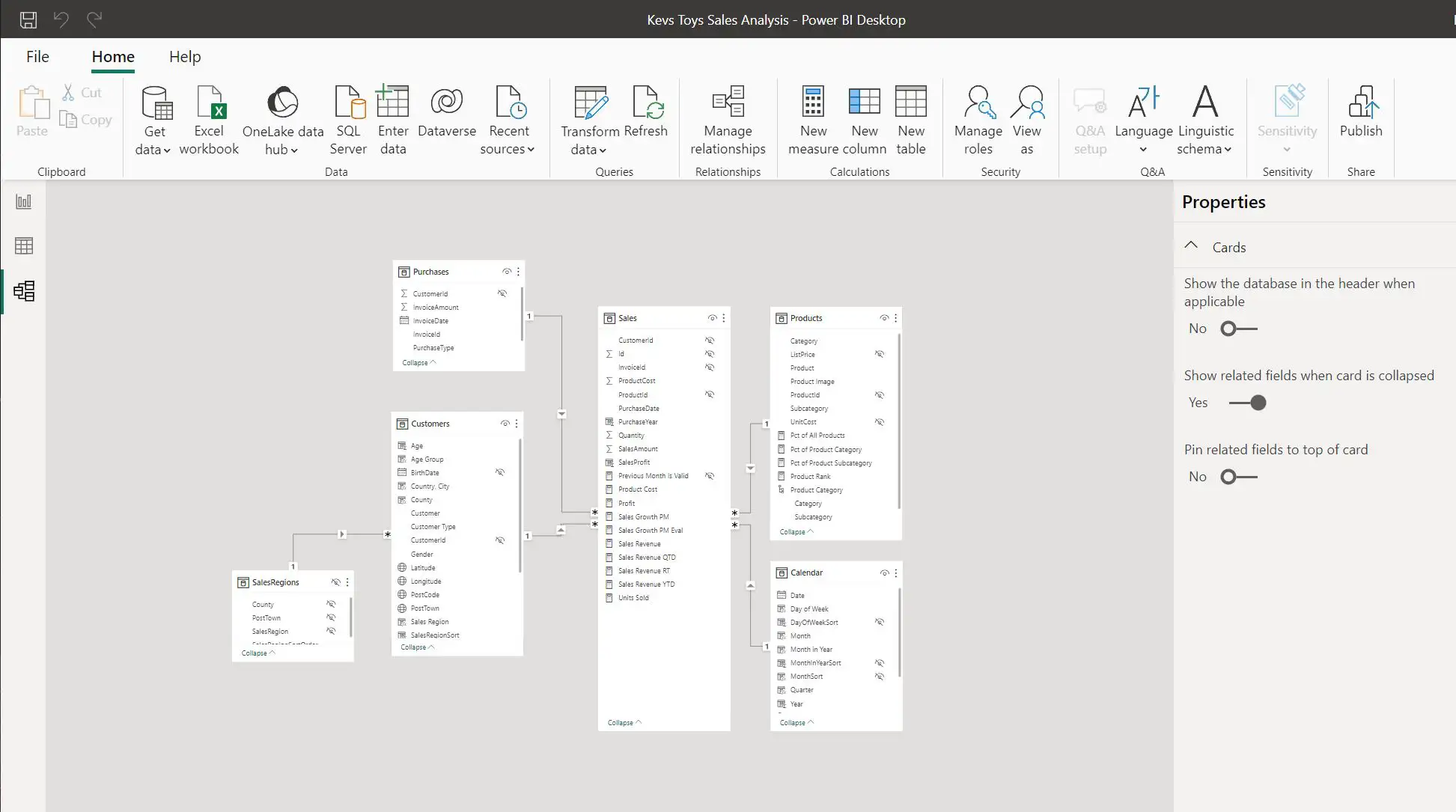
You'll also learn how to create user-friendly data models using M Power Query language and DAX. From there, we'll build dashboards, present data for review and learn how to share this with users via the Power BI cloud service.
Years as a Leader
Monthly active users
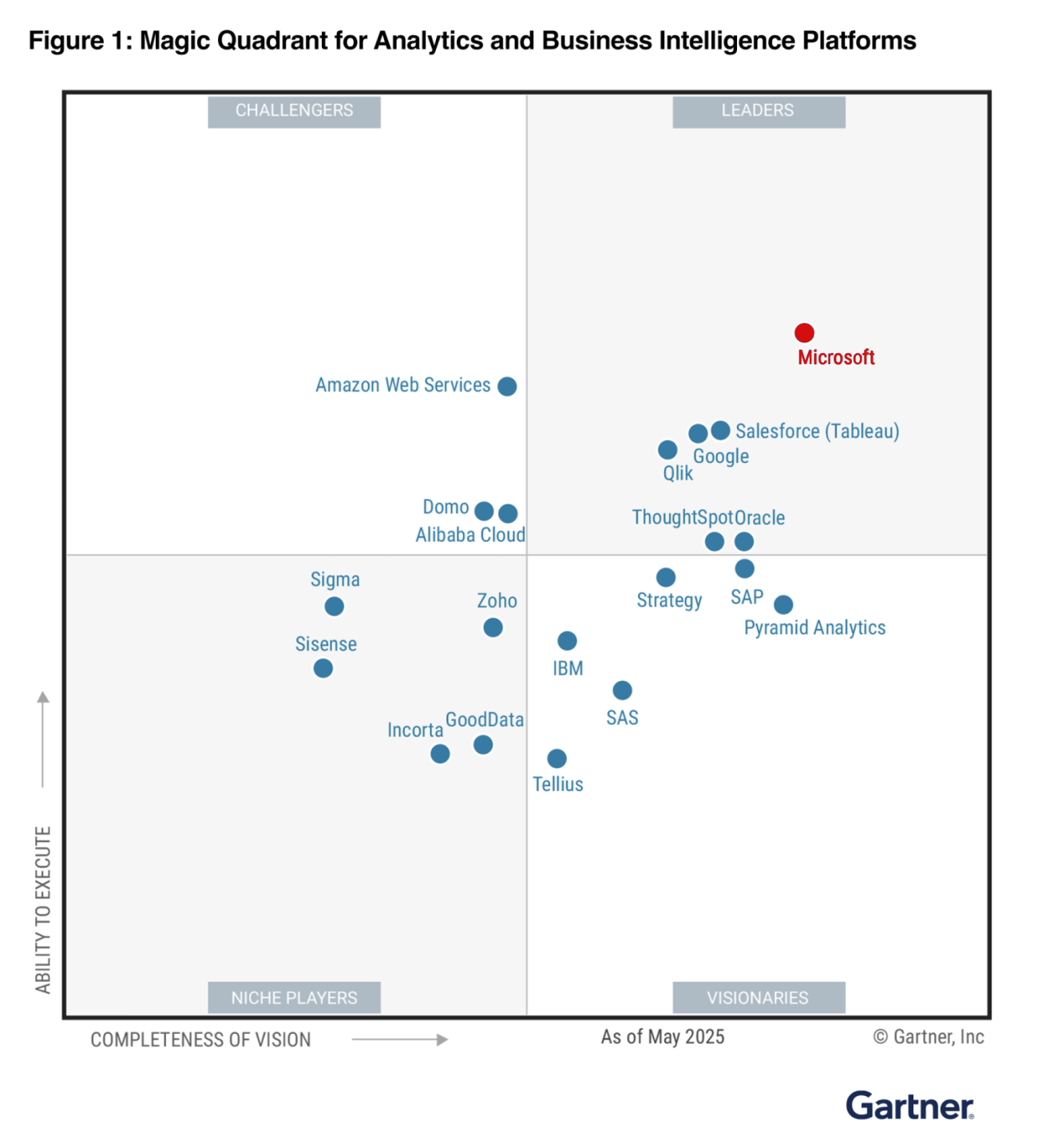
We could waffle on about features and functions all day, but here's the bottom line: Microsoft has been a leader in Gartner's Magic Quadrant for Analytics and BI Platforms for 18 years straight.
For seven consecutive years, the Microsoft BI platform has been furthest ahead in "Completeness of Vision" and highest in "Ability to Execute".
With 30 million monthly active users and the fastest-growing certification programme in Microsoft's history, Power BI is a heavyweight champion that keeps getting stronger.
When you invest your time learning Power BI, you're backing the undisputed market leader.
*2025 Gartner Magic Quadrant for Analytics and Business Intelligence Platforms
Turn raw data into clear insights that support better decisions.
Get a clear view of performance and make decisions with confidence.
Automate reports and build live dashboards that update as data changes.
New to PowerBI or self-taught? If you're curious and ready to practise, you're welcome - no prior experience required.
Our trainers are battle-tested business intelligence software engineers who've been in the trenches. We've delivered training to engineers at FTSE 100 companies, having trained 200+ attendees in both sofware enginnering and business roles, who have gone on to successfully deliver production solutions managing multi-million pound lines of business.
As authorised Microsoft partners, we bring you the latest insights, best practices, and insider knowledge straight from the source. You're learning Power BI the right way, from people who use it to solve real business problems every day.
Engineers trained
Enterprise clients
Business value delivered
Forget stuffy lectures and snooze-inducing slides. This is Power BI training that'll keep you engaged, entertained, and actually remembering what you've learned.
No death by PowerPoint here! You'll tackle real-world scenarios and hands-on exercises at every stage. By the time you leave, you'll have actually built solutions you can use Monday morning. That's the difference between theory and mastery.
"Hi, I'm Meldrick!" Consider me your friendly guide through the Power BI jungle. I'll pop up with insider tips, warn you about common pitfalls, and share the shortcuts that'll make you look like a genius. Together, we'll make sure you nail every exercise.
All work and no play? Not on our watch! Between exercises, we'll fire up our legendary Kahoot quizzes. Speed matters, accuracy counts, and bragging rights are included. Can you claim the top spot on the leaderboard? There's only one way to find out...
A training experience you'll actually enjoy - hoorah!
Join 200+ professionals who've transformed their data skills with us
per person (inc VAT)
Customised package
We'll create a custom proposal
100% Satisfaction Guarantee
We're so confident you'll love this training that if you're not completely satisfied, we'll refund your payment in full.
"Well done Red Eagle Tech – outstanding. You have a lot of drive and passion [catering for] everyone from different skill levels. [I could have stayed for] 4 days instead of 2."
After completing this masterclass, you'll have the skills and confidence to:
Import data from Excel, SQL databases, cloud services, APIs, and more – bringing all your business data together in one place.
Clean, shape, and prepare data for analysis using Power Query – turning chaos into clarity.
Create stunning, interactive reports that tell compelling data stories and impress stakeholders.
Write DAX formulas for KPIs, time intelligence, and advanced analytics that answer your toughest business questions.
"Excellent training – really well organised. Over the course of 2 days, I was given an overview of Power BI […] with hands on workshops and really well constructed case studies and scenarios."
"Well done Red Eagle Tech – outstanding. You have a lot of drive and passion [catering for] everyone from different skill levels. [I could have stayed for] 4 days instead of 2."
"Really good overview of Power BI, the course leader is great at the demos – [the training] allowed us to see how we can use Power BI within our project."
"The training was excellent. The possibilities of this application in real life for my team could be endless and it really excites me for a change."
"The modules and the support from the course leader was awesome and most helpful […] really enjoyed your course."
"A very good overview of Power BI and the detail of the different features […] the practical exercises working through the various tasks were really good in reinforcing the material presented."
We'll start with a big-picture understanding of the Power BI offering, with a high-speed run through of the end-to-end workflow.
This covers importing data, creating reports and a dashboard, and sharing it with a colleague.
When it comes to building self-service reports, Power BI Desktop is where the magic happens.
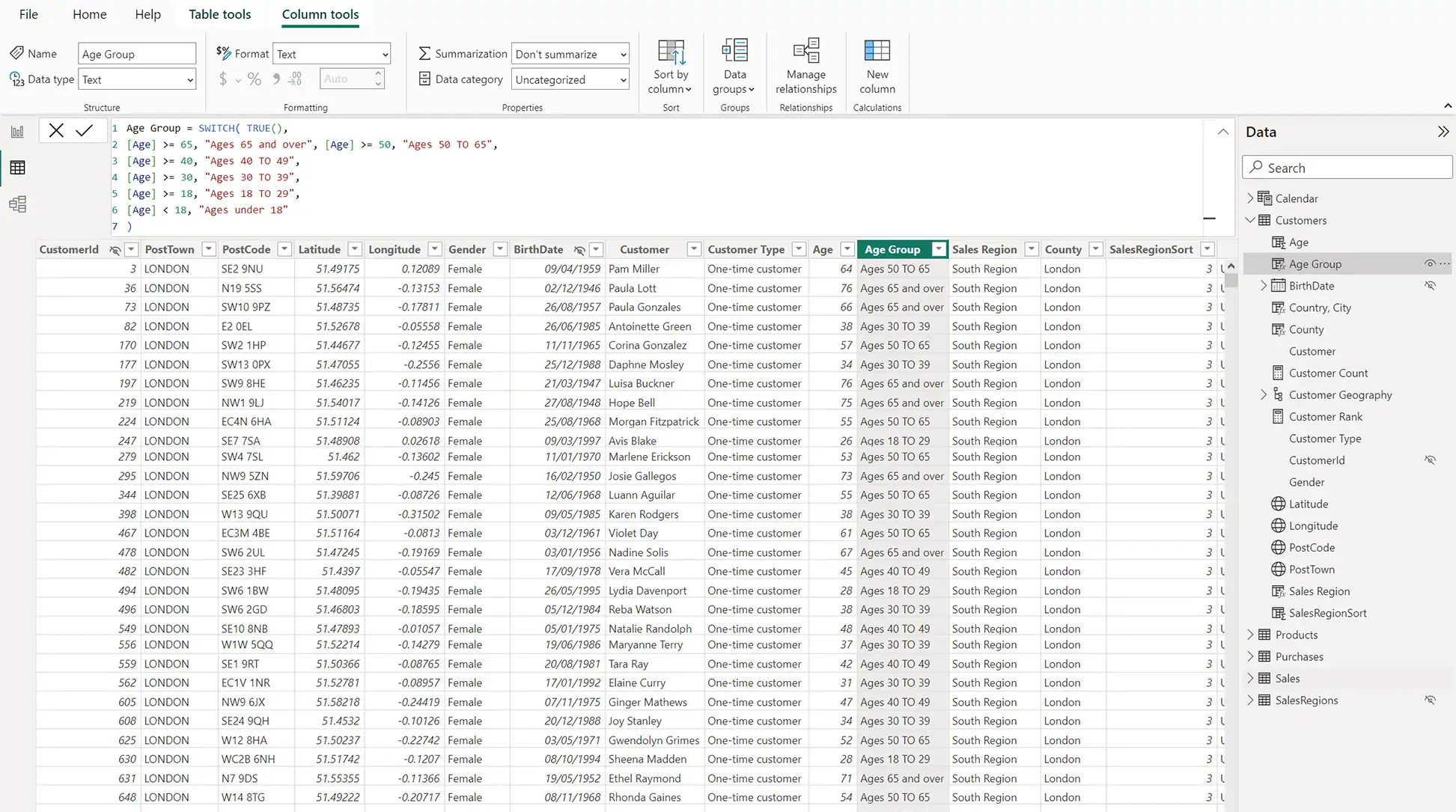
We'll import data using the Query Editor, create a dataset and model the data to make it better suited for analysis.
Everything starts with bringing in the data you need.
So we'll be learning to work with the Power Query features of Power BI Desktop to extract data from sources such as Azure cloud storage and transform it into meaningful information.
The data model – it's what really makes your report work. Putting the 'power' in Power BI, you could say.
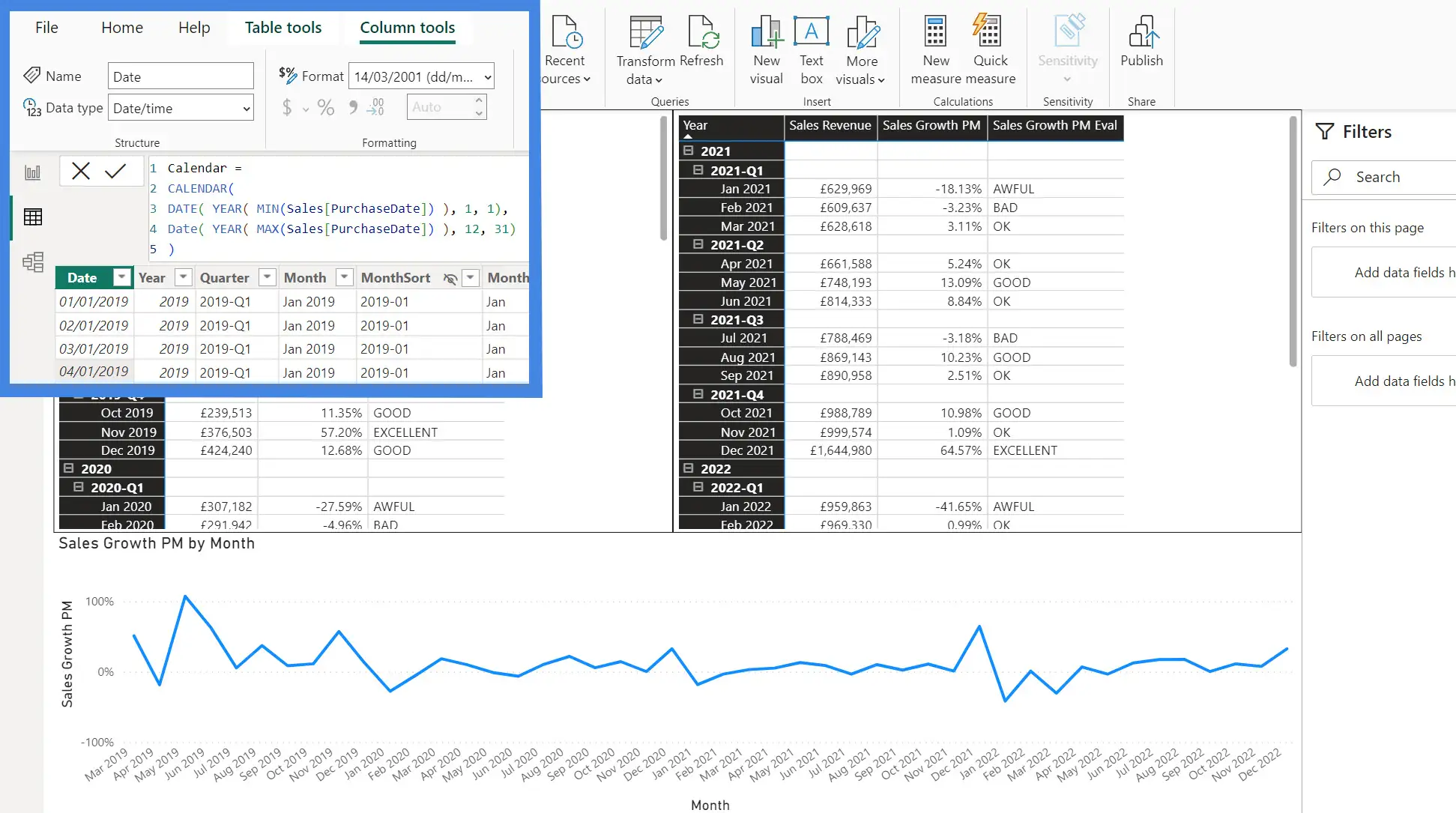
We'll be using Data Analysis Expressions (DAX) language to create dynamic measures that update in real time as you interact with the report.
The most valuable business insights are often found by slicing and visualising data into relevant categories and hierarchies.
We'll also use a calendar table to produce time-based financial analysis using the DAX time intelligence functions.
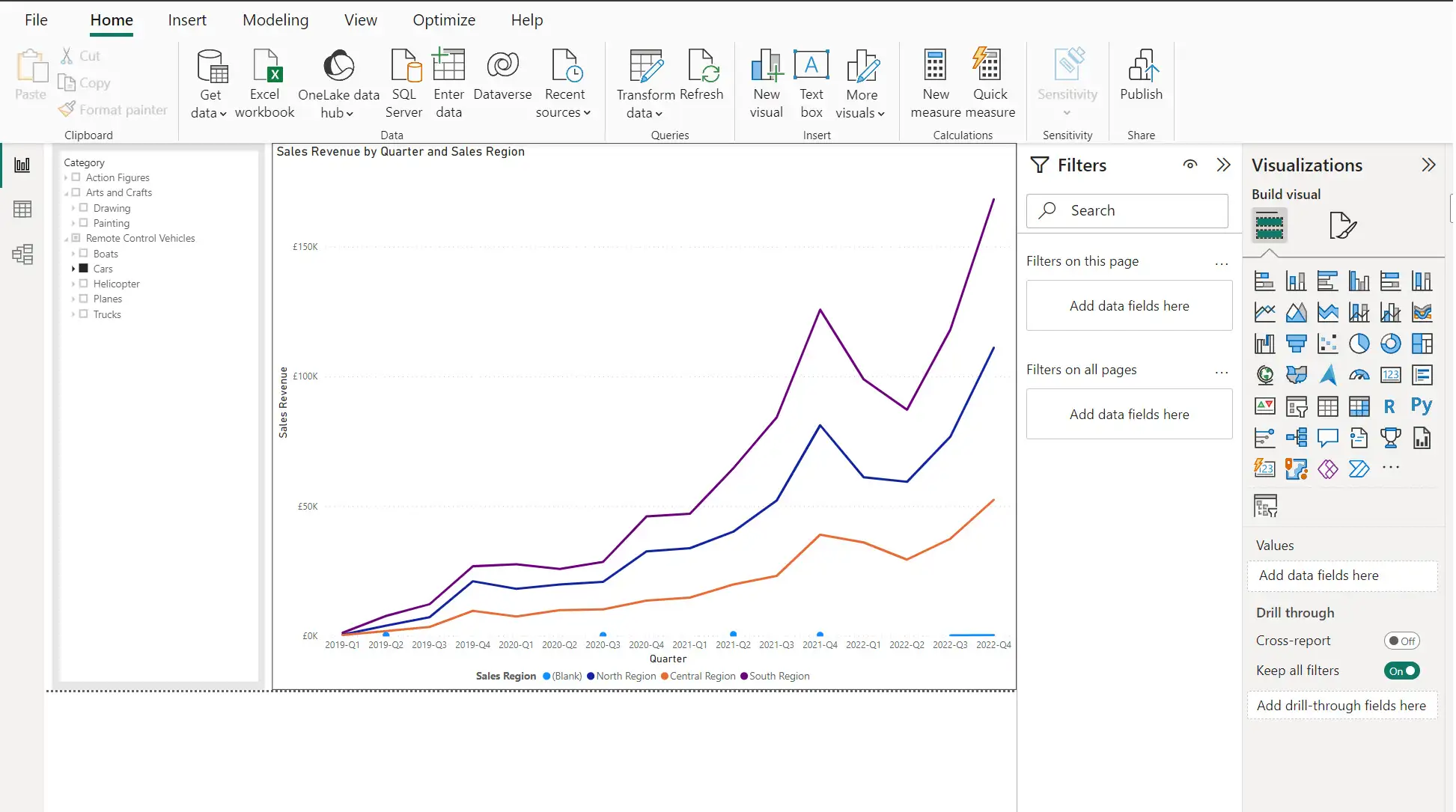
How quickly can we turn data into actionable insight? The answer depends on how well the information is presented.
We'll focus on report design, including the use of custom visuals from the App Store and setting permissions with row-level security.
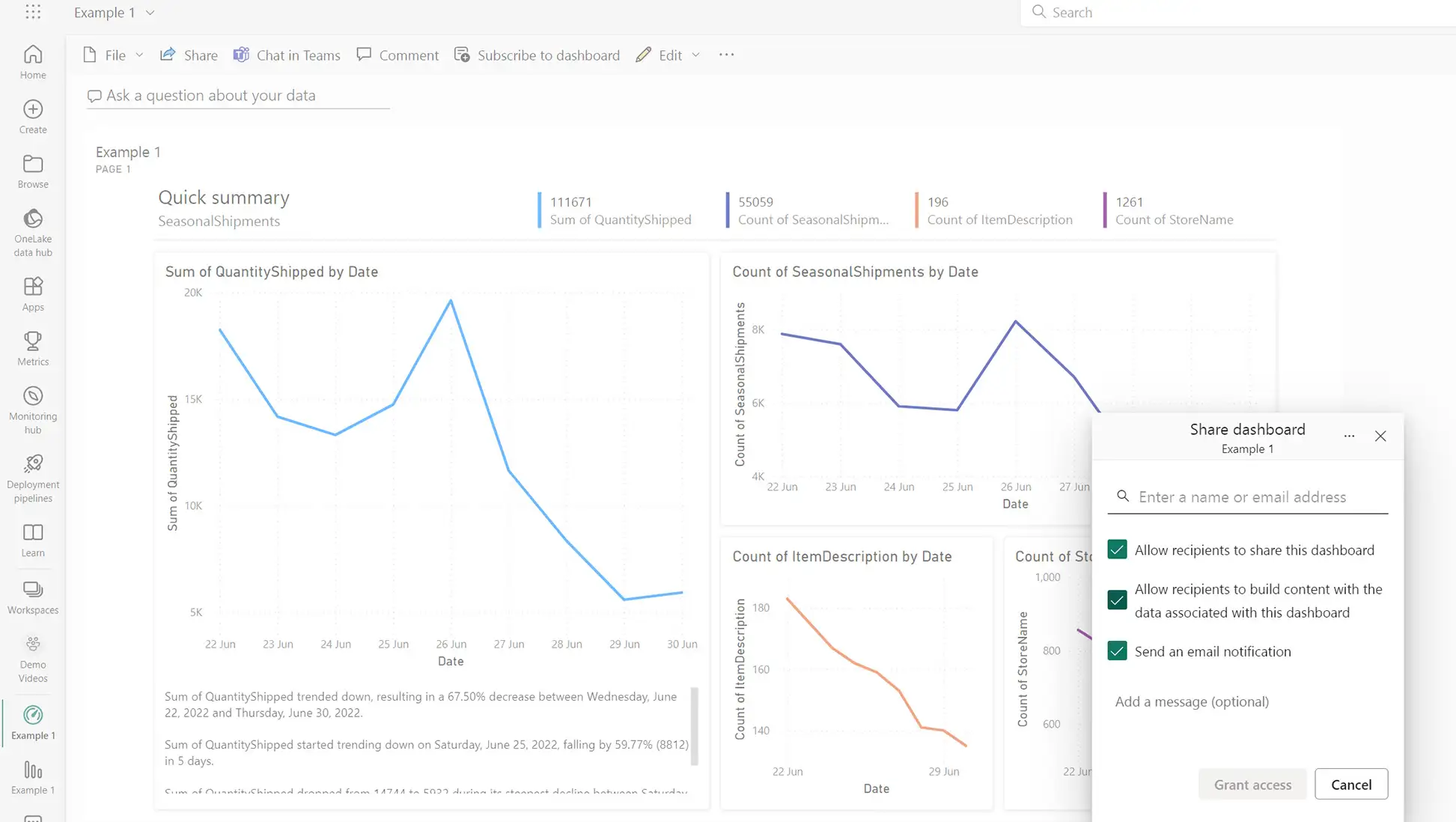
In this module, we'll create and deploy a packaged solution to an audience of business users in a Microsoft 365 environment.
We'll also create a Dashboard that consolidates the most important information from several different reports.
If you'd prefer us to build your Power BI dashboards for you, or need an expert consultant to work alongside your team, we can help with that too.
Explore our Power BI consulting servicesJoin hundreds of professionals who've transformed their data skills with Red Eagle Tech. Let's talk about how our training can help you achieve your goals.
A friendly 15-minute video call with Kat to understand your needs. No preparation needed.
Kat Korson
Founder & Technical Director
Our team has 10+ years delivering software solutions for growing businesses across the UK.
Your information is secure. See our privacy policy.